What is Plan Mode in Claude Code, and how does the /plan command work? (Interview question)
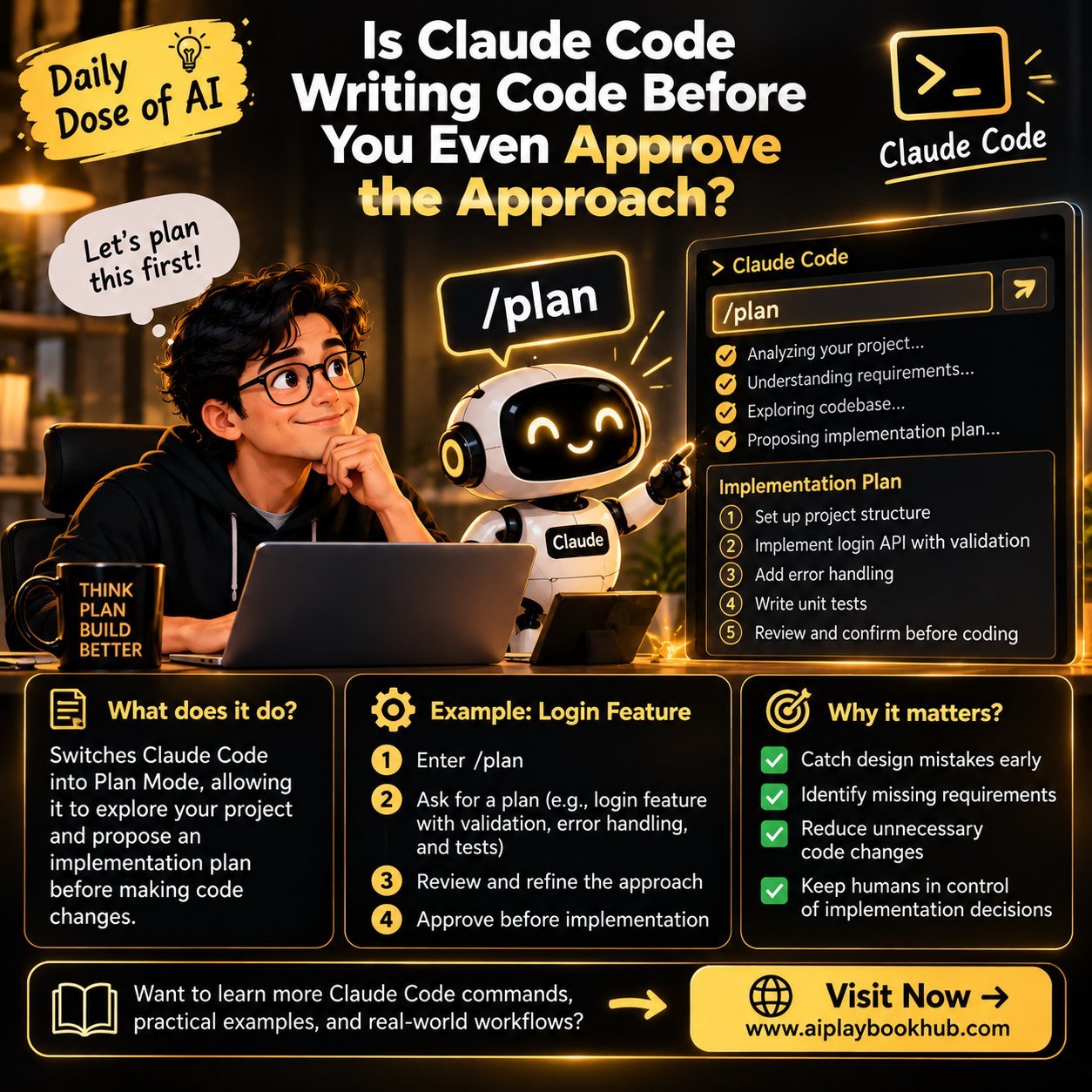
/plan switches Claude Code into Plan Mode. In this mode it explores your project and proposes an implementation plan, and it doesn't change any code until you approve the approach.
Daily Dose of AI | Claude Code
Is Claude Code writing code before you even approve the approach?
Command of the Day: /plan
What does it do?
Switches Claude Code into Plan Mode, allowing it to explore your project and propose an implementation plan before making code changes.
Real-World Example:
You're building a login feature.
Instead of asking Claude to start coding immediately:
1️⃣ Enter /plan to switch to Plan Mode.
2️⃣ Ask: "Plan a login feature with input validation, error handling, and unit tests. Don't implement it yet."
3️⃣ Review the proposed approach, identify missing scenarios, and refine the plan.
4️⃣ Approve the approach before proceeding with implementation.
Why does it matter?
✅ Catch design mistakes early
✅ Identify missing requirements
✅ Reduce unnecessary code changes
✅ Keep humans in control of implementation decisions
Key Takeaway:
Don't just ask AI to write code. Ask it to think through the approach first!
📘 Want to learn more Claude Code commands, practical examples, and real-world AI workflows?
👉 Visit https://lnkd.in/dyArasuM
Do you review an AI-generated plan before allowing it to write code?